 Barton Forge
The handyman app for one-person shops
A leaky faucet, a door that sticks, a list of ten small things. Barton Forge keeps every customer, job, and part on your phone.
How a day goes
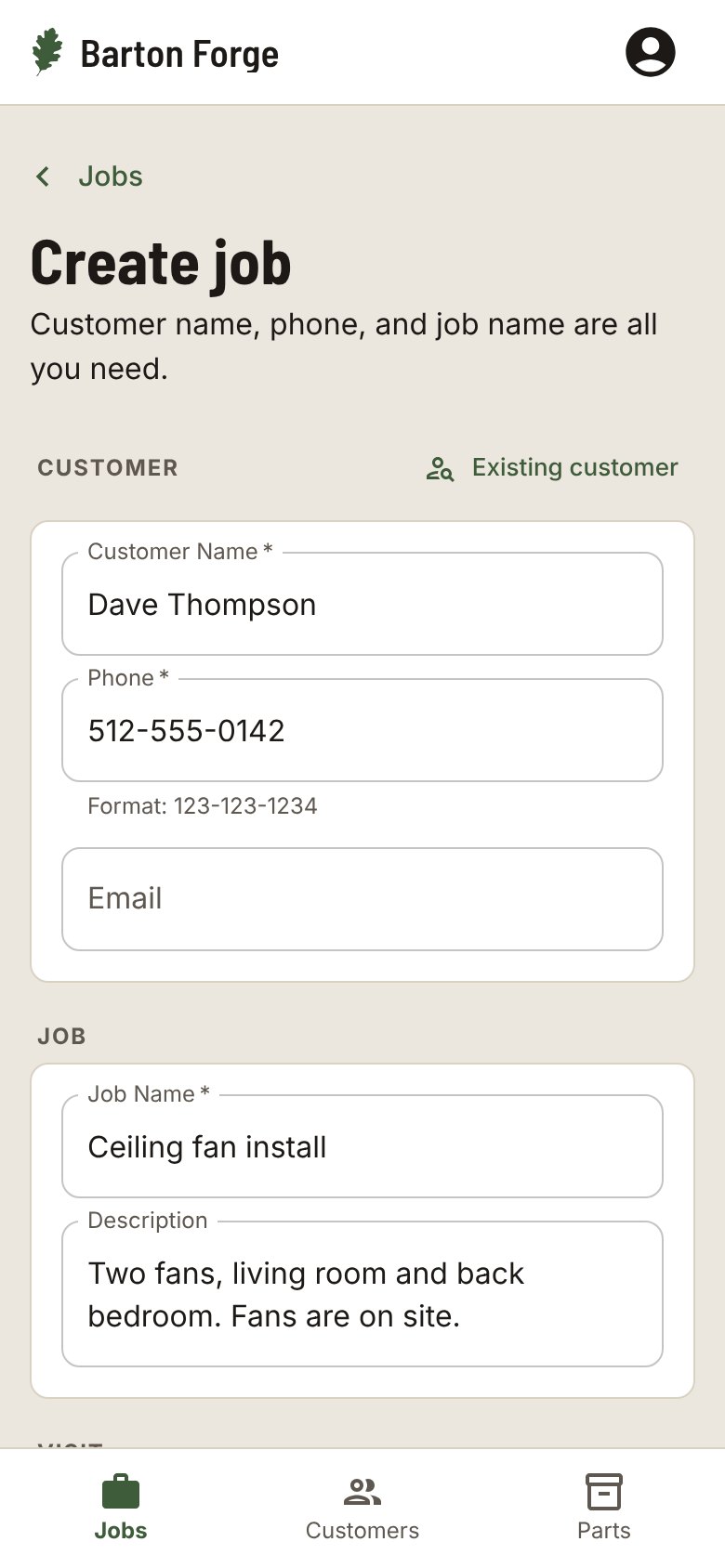
Take the call
Name, phone, and what needs fixing. The job is saved before you hang up, and Existing customer finds someone you have worked for before.
Turn their list into a checklist
Put each small fix on the job checklist and tick them off as you go, so nothing on the list gets missed.
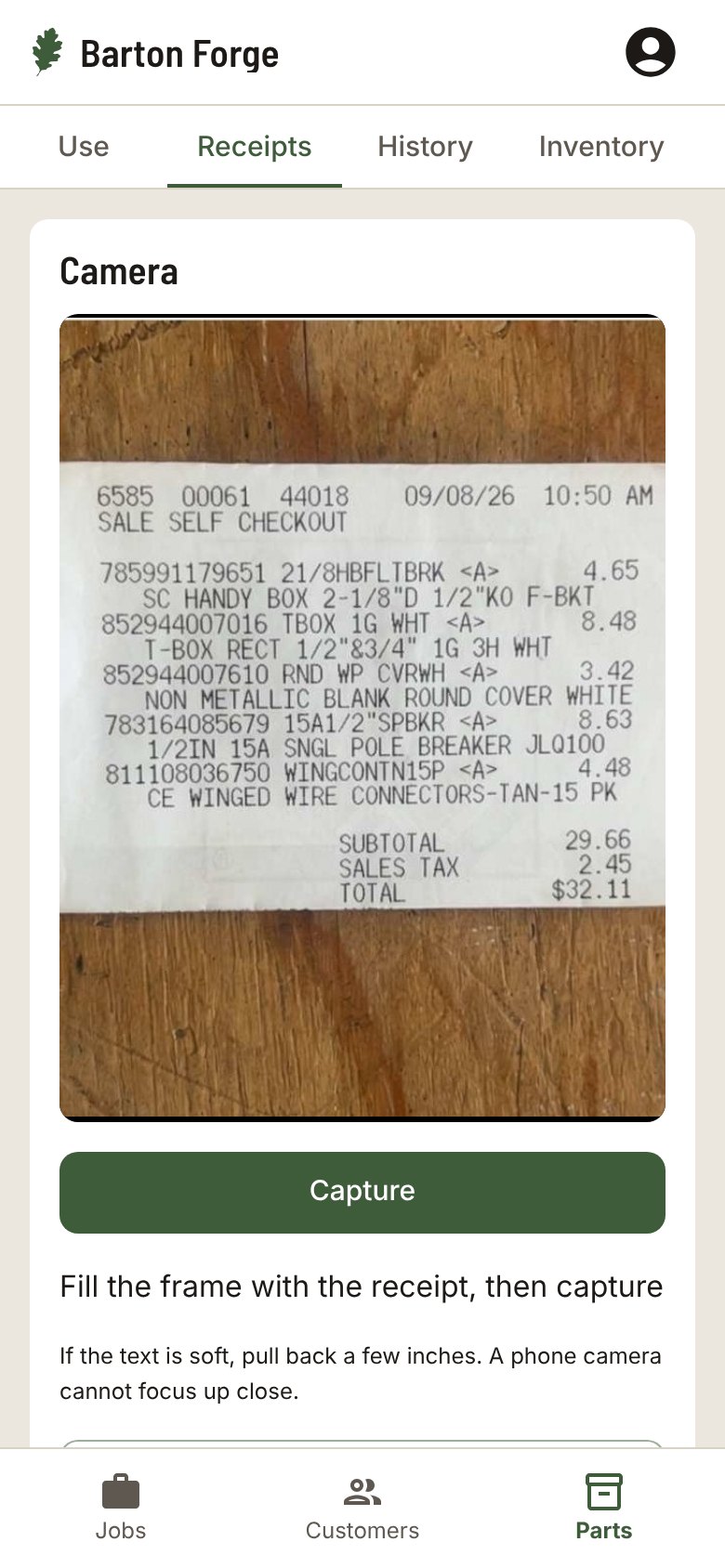
Track the parts
Snap the hardware-store receipt and your inventory matches what you bought. Scan a part out on the job and add it to that job.
Quote it, then get paid
Send the Quote text, tap Approve when they say yes, and Mark as paid or send an invoice from your phone when you finish.
Inventory, when you need it
Scan store receipts to add parts. Scan the barcode when you use one and On hand goes down. Add the part to a job and the job shows what went into it.
Also in Barton Forge
- Before and after photos on each job, ready to send to the customer
- Every address a customer has had, with Call, Text, and Email on the customer page
- A Follow-up date to check back on a repair
- Sends your customers, invoices, and payments to QuickBooks Online
Questions
Can one job hold a list of small fixes?
Yes. Add each fix to the job checklist. Tick them off as you go, and the job keeps one price and one invoice.
Does it work in Spanish?
Yes. Each person picks English or Spanish for the app, and each customer can get their texts in English or Spanish.
Can my helpers use it?
Yes. Add the people on your crew, assign each job, and everyone sees the jobs that are theirs.
Does it work with QuickBooks?
Barton Forge sends your customers, invoices, and payments to QuickBooks Online.
Do I need to install anything?
No. It runs in your phone’s browser. Add it to your Home Screen and it opens like an app.
Customers and jobs. All on your phone.
Built for one-person shops and small crews in every trade.