 Barton Forge
The HVAC app for small heating and air shops
No heat, no cool, or a spring tune-up. Barton Forge keeps your service calls, customers, and truck parts on your phone.
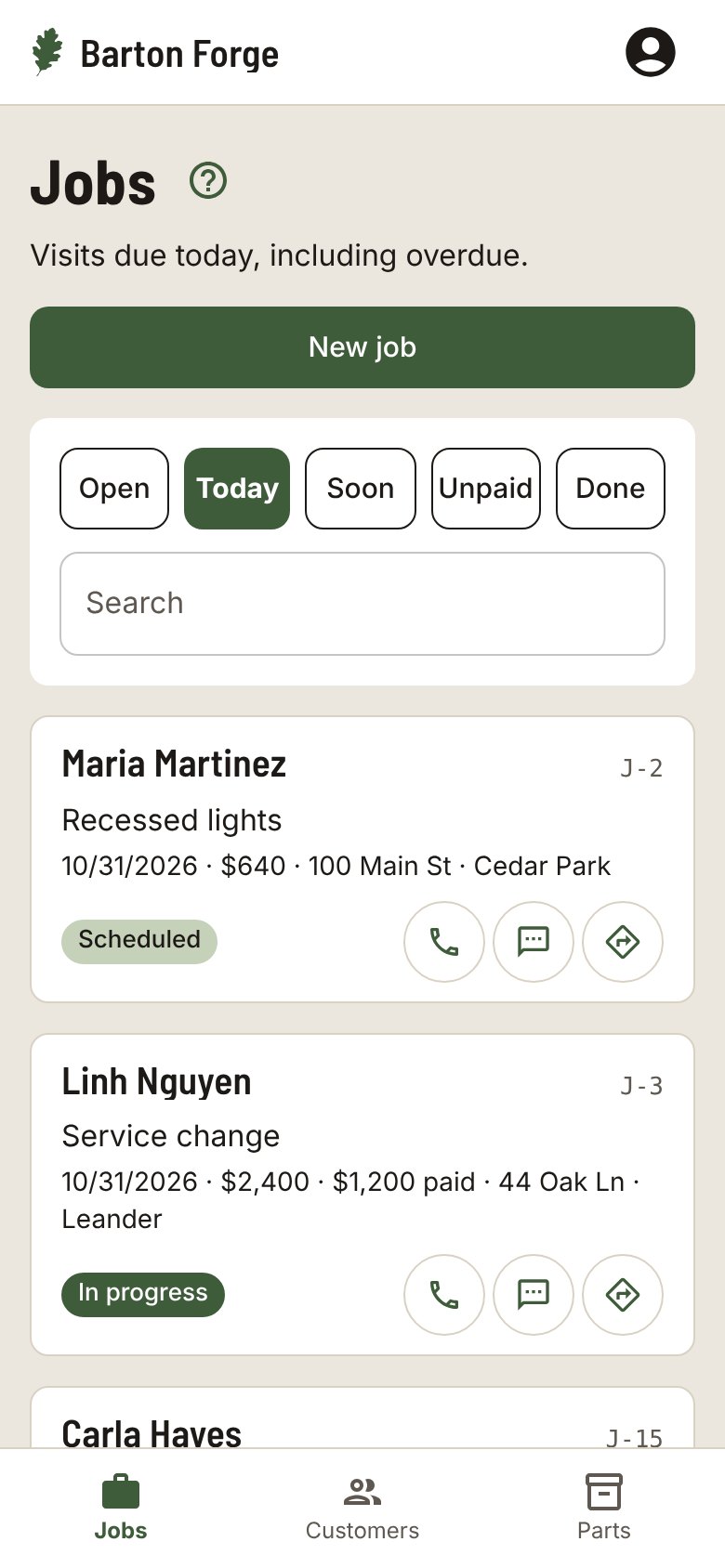
How a day goes
Take the service call
The job is saved with the address and site notes, like where the unit and the attic access are.
Work the checklist
Each tune-up starts with the same steps, so nothing gets skipped when the day runs long.
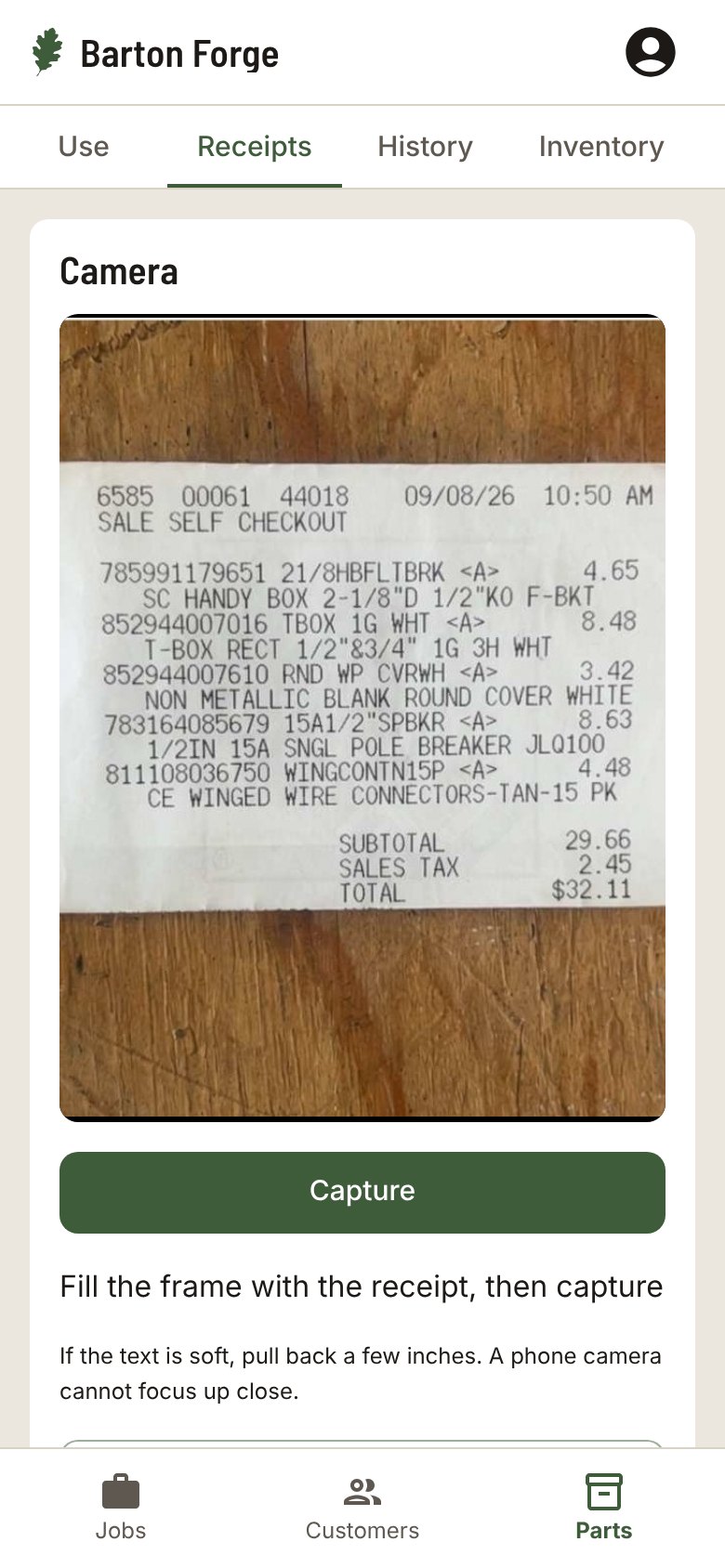
Scan parts and receipts
Capacitors, contactors, filters. Scan the receipt when you buy and the barcode when you use, and the part goes on the job.
Set the next tune-up
When the job is complete, set a Follow-up date for next season. The Follow-up text is ready when that day comes.
A checklist that fits the work
Pick your trade when you start and each new job gets these steps. Change them on any job.
- Change filter
- Clean coils
- Clear drain line
- Check refrigerant
- Test thermostat
Inventory, when you need it
Scan supply-house receipts to add parts and scan barcodes to take them out. Parts shows what is on hand, so you know what is on the truck before the next call.
Also in Barton Forge
- Today and Soon lists with Call, Text, and Directions on every job
- A Visit reminder text for tomorrow’s customers, already written
- Record payment, Mark as paid, and an invoice from your phone
- Sends your customers, invoices, and payments to QuickBooks Online
Questions
Can I set up maintenance visits?
Yes. Make a job repeat every month, every 2 weeks, or every week. Complete visit records it and moves the next date forward on its own.
Does it work in Spanish?
Yes. Each person picks English or Spanish for the app, and each customer can get their texts in English or Spanish.
Can my helpers use it?
Yes. Add the people on your crew, assign each job, and everyone sees the jobs that are theirs.
Does it work with QuickBooks?
Barton Forge sends your customers, invoices, and payments to QuickBooks Online.
Do I need to install anything?
No. It runs in your phone’s browser. Add it to your Home Screen and it opens like an app.
Customers and jobs. All on your phone.
Built for one-person shops and small crews in every trade.