 Barton Forge
The junk removal app for one-truck crews
Garage cleanouts, old couches, a shed out back. Barton Forge keeps the quote, the pickup, and the payment on your phone.
How a day goes
Get the call
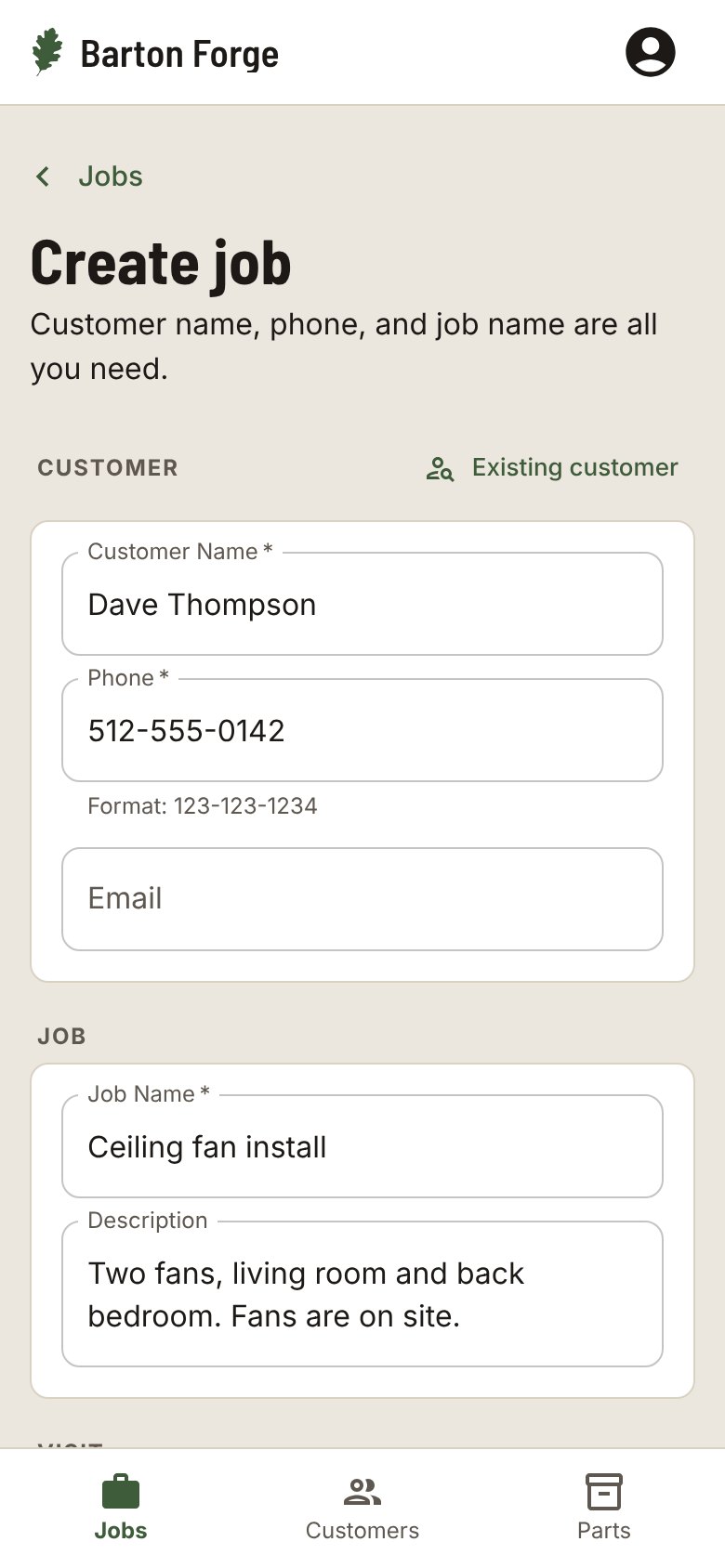
Name, phone, address, and what is going. The job is saved before you hang up.
Send the quote
Put a price on it and tap the Quote text. They reply yes, you tap Approve, and the pickup is on your schedule.
Show the work
Take a before photo of the pile and an after photo of the empty garage. Send them to the customer from the job.
Get paid on the spot
Tap Mark as paid when they hand you cash or send it by app. Or make an invoice on your phone and text it.
Also in Barton Forge
- A Pay here line on your price text with how customers pay you
- The Unpaid list, oldest first, with a Payment reminder text on each card
- An Ask for a review text with your review link
- Sends your customers, invoices, and payments to QuickBooks Online
Questions
Can I see who still owes me?
Yes. The Unpaid list shows every finished job with a balance due, oldest first, with the total at the top.
Does it work in Spanish?
Yes. Each person picks English or Spanish for the app, and each customer can get their texts in English or Spanish.
Can my helpers use it?
Yes. Add the people on your crew, assign each job, and everyone sees the jobs that are theirs.
Does it work with QuickBooks?
Barton Forge sends your customers, invoices, and payments to QuickBooks Online.
Do I need to install anything?
No. It runs in your phone’s browser. Add it to your Home Screen and it opens like an app.
Customers and jobs. All on your phone.
Built for one-person shops and small crews in every trade.