 Barton Forge
The painting business app for small crews
Interior rooms, exterior trim, a whole house. Barton Forge keeps the quote, the deposit, the photos, and the balance on your phone.
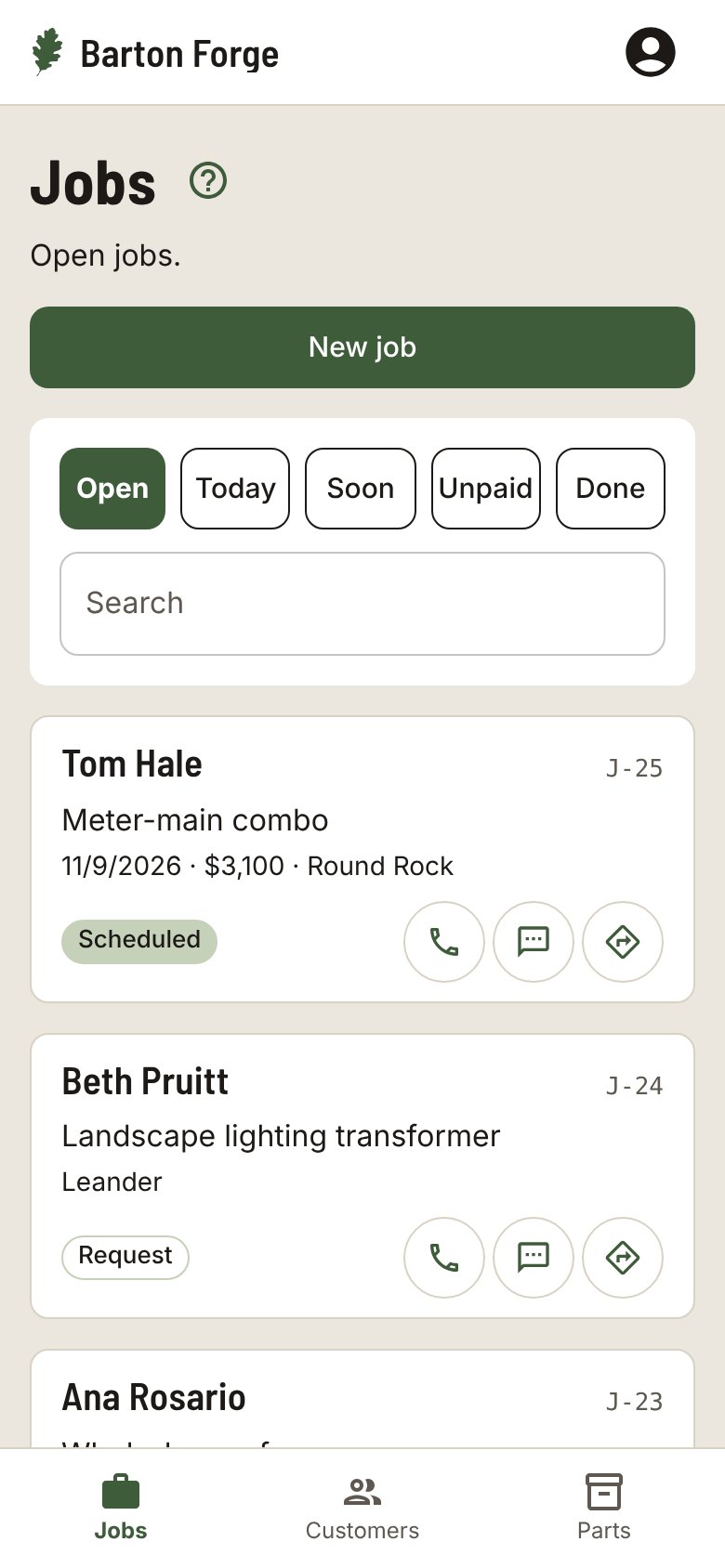
How a day goes
Book the estimate
Name, phone, address, and which rooms. Colors and access notes stay on the job.
Quote it and take a deposit
Send the Quote text. When they say yes, tap Approve and record the deposit. The job shows Balance due for the rest.
Work the checklist
Every job starts with the same steps, and you can add your own on any job.
Show the work
Before and after photos on the job, ready to send to the customer with the final invoice.
A checklist that fits the work
Pick your trade when you start and each new job gets these steps. Change them on any job.
- Cover floors and furniture
- Tape
- Prime
- Paint
- Clean up
Also in Barton Forge
- Assign each job to a helper and see the week for the whole crew
- A Follow-up date to check in after the paint has cured
- An Ask for a review text with your review link
- Sends your customers, invoices, and payments to QuickBooks Online
Questions
Can I send an invoice?
Yes. The Invoice button makes a PDF on your phone with your business name and the balance due. Once it is paid in full, it comes out as a receipt.
Does it work in Spanish?
Yes. Each person picks English or Spanish for the app, and each customer can get their texts in English or Spanish.
Can my helpers use it?
Yes. Add the people on your crew, assign each job, and everyone sees the jobs that are theirs.
Does it work with QuickBooks?
Barton Forge sends your customers, invoices, and payments to QuickBooks Online.
Do I need to install anything?
No. It runs in your phone’s browser. Add it to your Home Screen and it opens like an app.
Customers and jobs. All on your phone.
Built for one-person shops and small crews in every trade.