 Barton Forge
The pest control app for small operators
Monthly service, one-time treatments, and who has paid. All on your phone, between stops.
How a day goes
Set up service once
Make the job Monthly or Every 2 weeks with a price per visit. One-time treatments get a single day.
Work today’s list
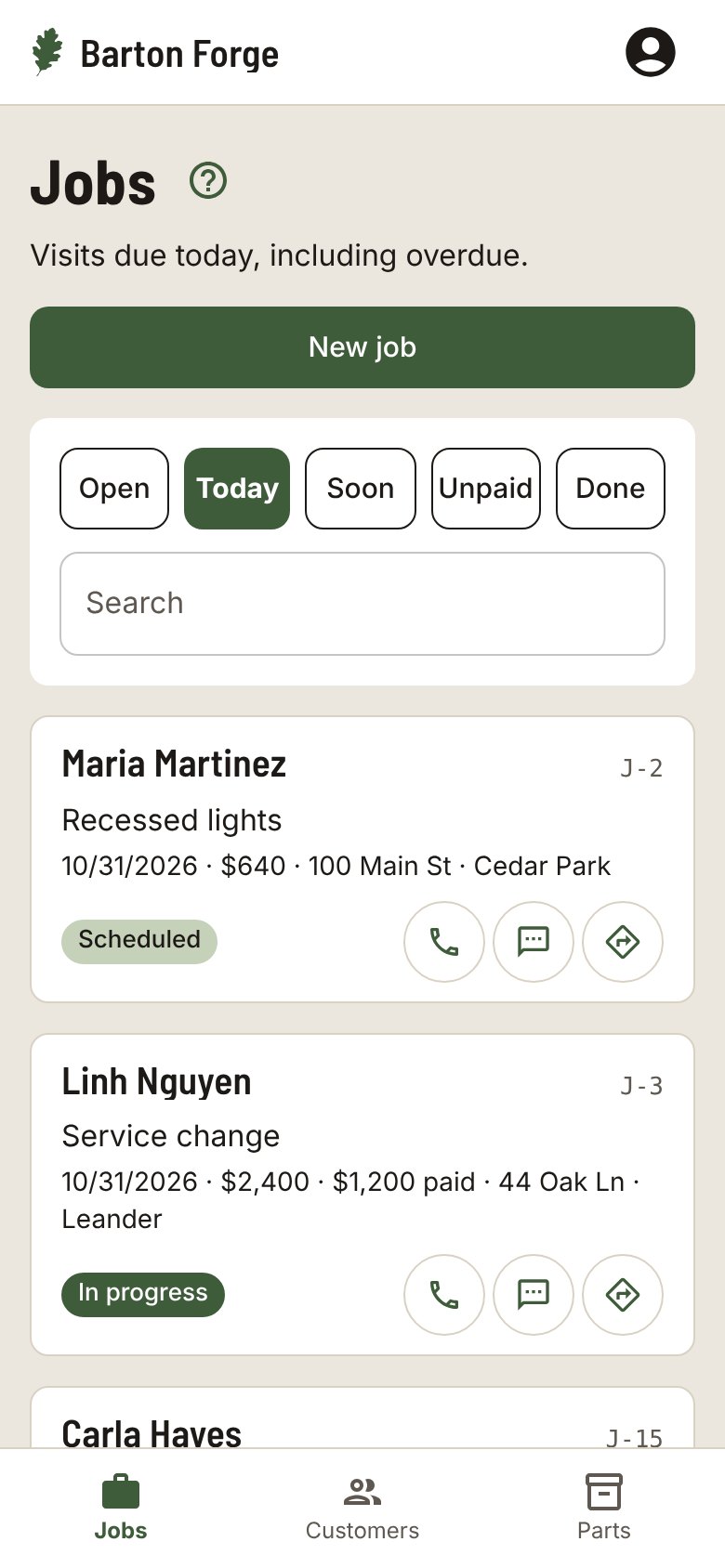
Today shows every home that is due, with notes like the dog in the backyard and a Directions button.
Same steps every stop
The checklist starts fresh after each Complete visit, so every home gets the full treatment.
Remind them the day before
Each card on Soon has a Visit reminder text, so the customer knows to put the dog in.
A checklist that fits the work
Pick your trade when you start and each new job gets these steps. Change them on any job.
- Spray outside
- Spray inside
- Check traps
- Knock down webs
Also in Barton Forge
- The Unpaid list, oldest first, with a Payment reminder text on each card
- A Follow-up date to check back after a one-time treatment
- Every address a customer has had, with Call, Text, and Email on the customer page
- Sends your customers, invoices, and payments to QuickBooks Online
Questions
Can I do one-time treatments and monthly service?
Yes. Each job is one time or repeats every week, every 2 weeks, or every month. Both show on Today when they are due.
Does it work in Spanish?
Yes. Each person picks English or Spanish for the app, and each customer can get their texts in English or Spanish.
Can my helpers use it?
Yes. Add the people on your crew, assign each job, and everyone sees the jobs that are theirs.
Does it work with QuickBooks?
Barton Forge sends your customers, invoices, and payments to QuickBooks Online.
Do I need to install anything?
No. It runs in your phone’s browser. Add it to your Home Screen and it opens like an app.
Customers and jobs. All on your phone.
Built for one-person shops and small crews in every trade.